Understanding Objects in JavaScript
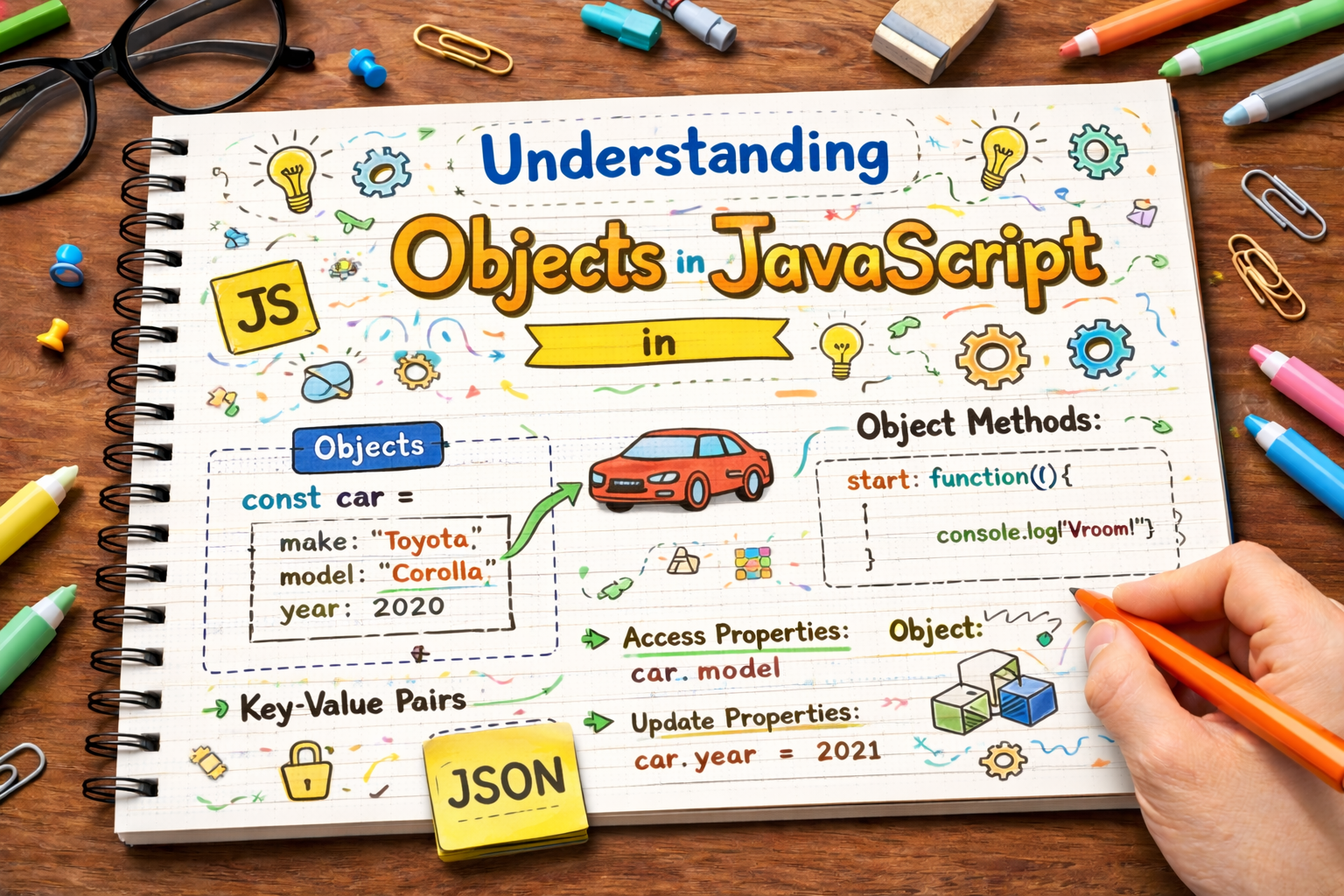
Hey Everyone,
In this blog, we will learn about Objects in Object-Oriented Programming in JavaScript.
When writing programs, we often need to store multiple values.
As your JavaScript programs grow, you will often need to store related information together.
For example, imagine storing information about a person:
Name
Age
City
Instead of creating separate variables for each value, JavaScript allows us to group them inside objects.
What is an Object?
An object is a collection of key–value pairs.
Example:
let person = {
  name: "Rahul",
  age: 25,
  city: "Delhi"
};
The keys describe the data, and the values store the actual information.
Why Do We Need Objects?
Without objects, storing related information can become messy.
Example without objects:
let name = "Rahul";
let age = 25;
let city = "Delhi";
Using an object:
let person = {
  name: "Rahul",
  age: 25,
  city: "Delhi"
};
Everything related to the person is grouped together in one structure.
This makes code cleaner and easier to manage.
Creating Objects
Objects are created using curly braces {}.
Example:
let car = {
  brand: "Toyota",
  model: "Camry",
  year: 2023
};
Each property is written as:
key : value
Properties are separated using commas.
Accessing Object Properties
There are two ways to access object properties.
1. Dot Notation
let person = {
  name: "Rahul",
  age: 25
};

console.log(person.name); // Rahul
2. Bracket Notation
console.log(person["age"]); // 25
Bracket notation is useful when the property name is stored in a variable.
Example:
let key = "name";

console.log(person[key]);
Updating Object Properties
You can change the value of an existing property.
Example:
let person = {
  name: "Rahul",
  age: 25
};

person.age = 26;

console.log(person);
Output:
{ name: "Rahul", age: 26 }
Adding New Properties
You can also add new properties to an object.
Example:
let person = {
  name: "Rahul",
  age: 25
};

person.city = "Delhi";

console.log(person);
Output:
{ name: "Rahul", age: 25, city: "Delhi" }
Deleting Properties
JavaScript provides the delete keyword to remove properties.
Example:
let person = {
  name: "Rahul",
  age: 25,
  city: "Delhi"
};

delete person.city;

console.log(person);
Output:
{ name: "Rahul", age: 25 }
Looping Through Object Keys
We can use a for in loop to iterate through object properties.
Example:
let person = {
  name: "Rahul",
  age: 25,
  city: "Delhi"
};

for (let key in person) {
  console.log(key, person[key]);
}
Output:
name Rahul
age 25
city Delhi
This loop prints both keys and values.
Object vs Array
Objects and arrays both store data, but they work differently.
| Feature | Array | Object |
|---|---|---|
| Structure | Ordered list | Key–value pairs |
| Access method | Index | Property name |
| Example | arr[0] |
obj.name |
Example:
Array:
let arr = ["abhi", "naruto", "goku"];
Object:
let fruit = {
  name: "Apple",
  color: "Red"
};
Arrays are best for lists, while objects are best for structured data.
Practice Assignment
Try this in your browser console.
Step 1: Create a Student Object
let student = {
  name: "Aman",
  age: 20,
  course: "Computer Science"
};
Step 2: Update One Property
student.age = 21;
Step 3: Add a New Property
student.city = "Mumbai";
Step 4: Print All Keys and Values
for (let key in student) {
  console.log(key, student[key]);
}
And now, you know what are objects in JavaScript.
If you have any doubt or want to connect, feel free to drop a comment — I’d be happy to help.
Thanks for reading, and see you in the next blog!
Peace ✌️ and Happy Learning!


